Screen recording in. Demo video out.
Orbito puts your recording on a 3D phone, moves the camera to wherever you tapped, and exports a video you can post. It runs on your Mac.
What came out, exported from Orbito. Nobody set a keyframe: the entrance is a motion preset and the zooms follow the taps.
The first export already moves
-
Drop in a recording
A video or a screenshot from any phone or tablet. Or record a running Simulator from inside Orbito.
-
Orbito makes a first pass
Long pauses shrink to a second. Zooms are suggested where you tapped or where the screen changed. The phone leaves at the end.
-
Change what you like
Accept or dismiss each zoom, pick a motion, add a headline. One Undo brings back the plain recording.
-
Export
One format or several at once, from a 4K video to a GIF for your README.
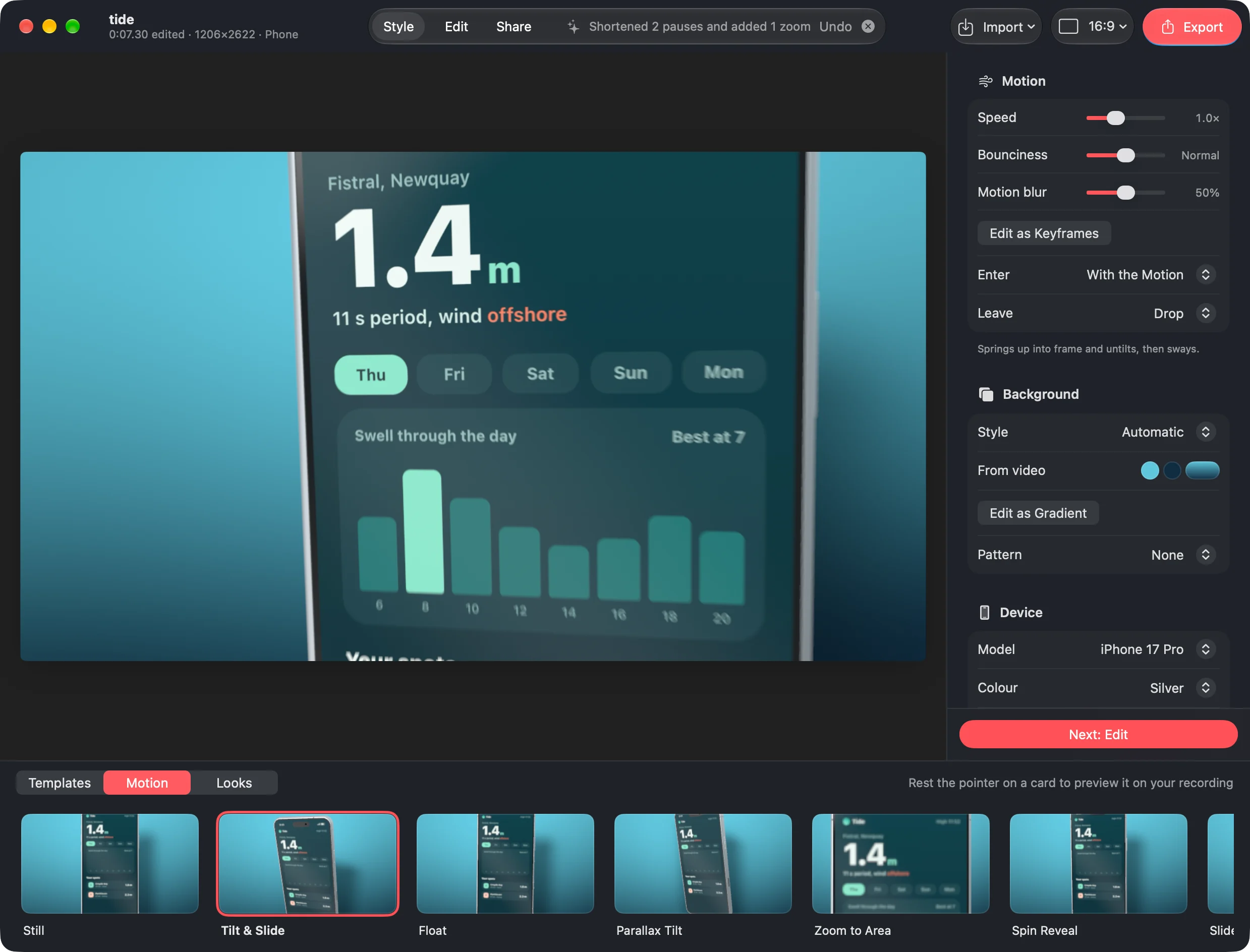

39 ways to walk on stage
Every motion is a spring, so nothing stops dead. In the app, rest the pointer on one and it previews on your own recording. Any of them can be turned into keyframes and reshaped by hand.
Eight of the 39, on the Mirror look.
Six looks to start from
A look sets the background, the light and the shadow together. The background can come from your recording's own colours. Every setting stays open afterwards.
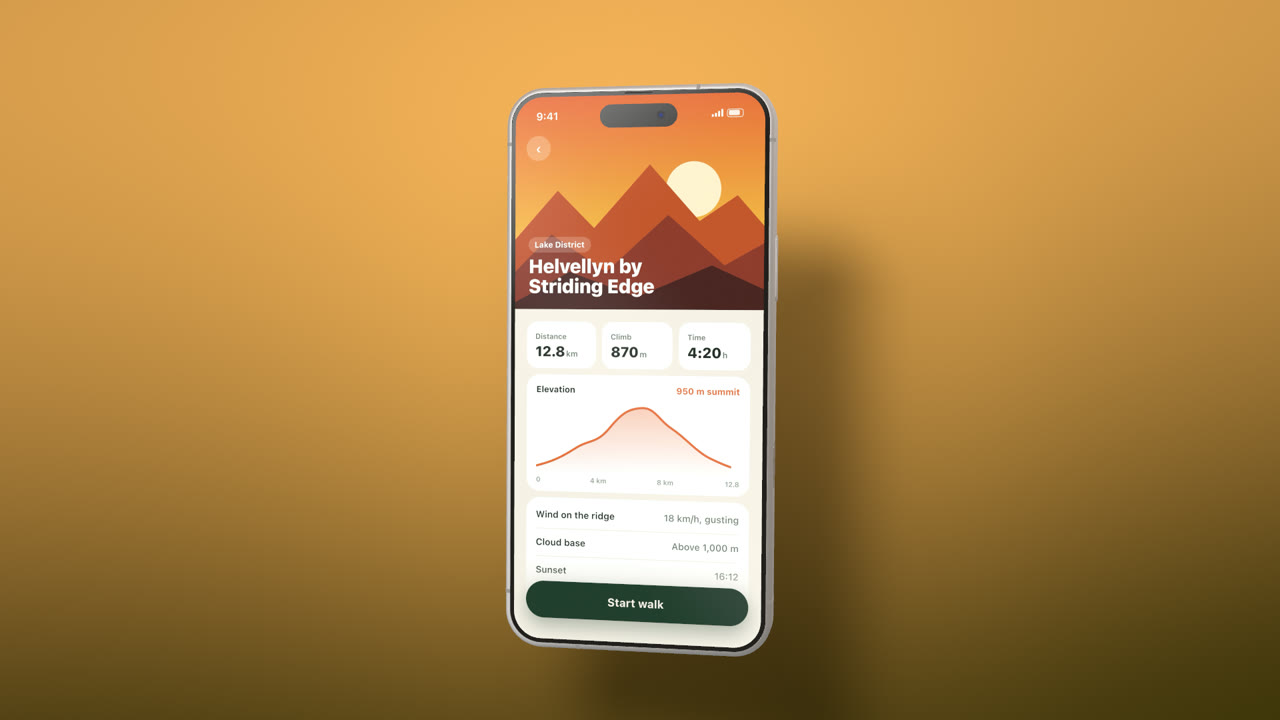
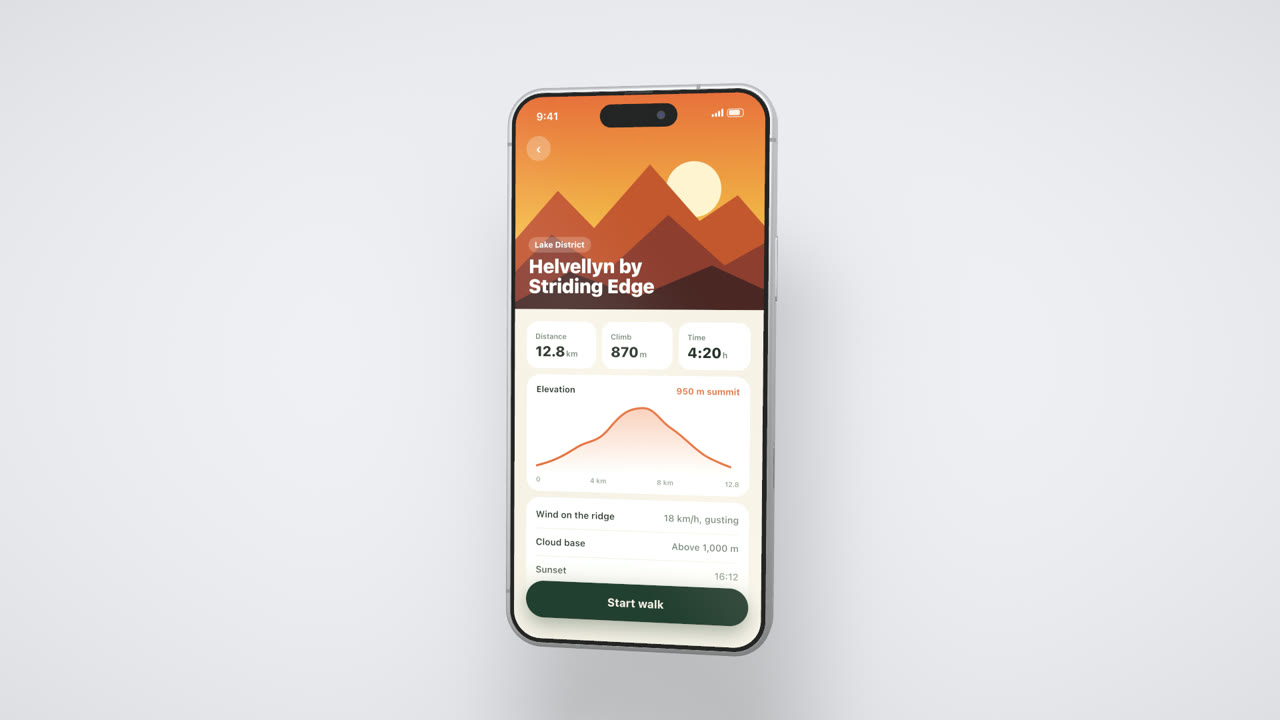
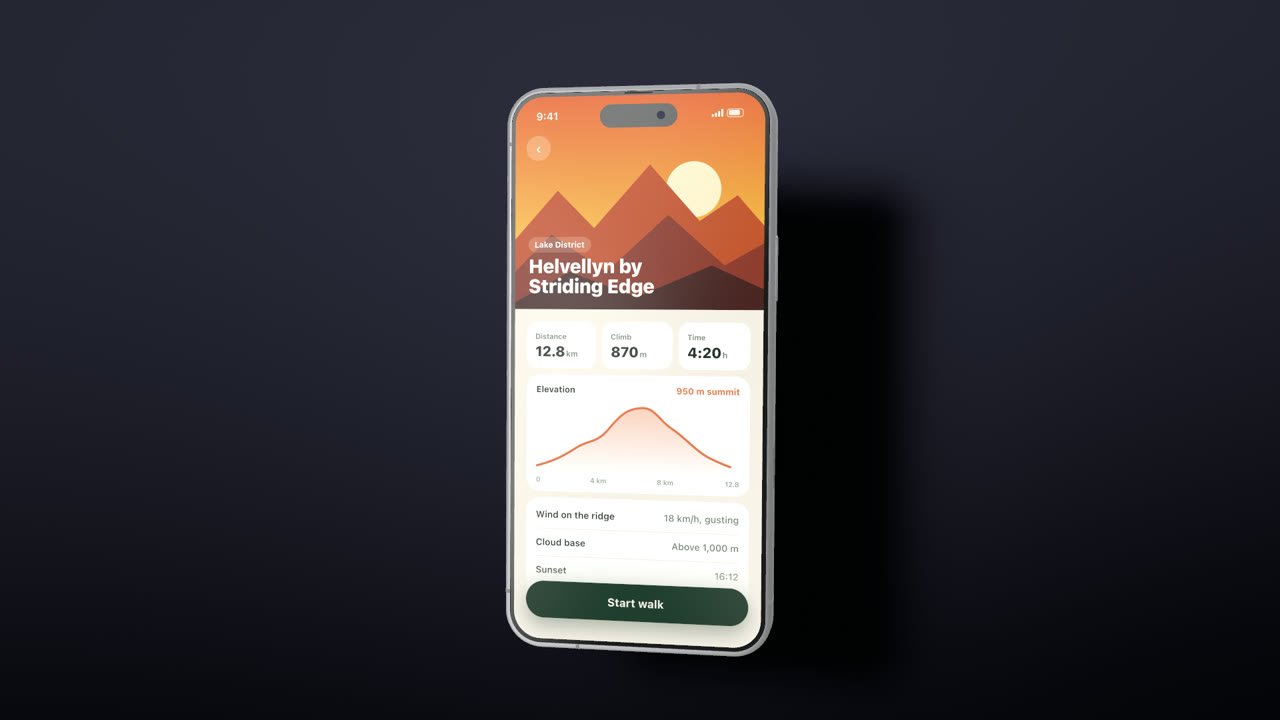
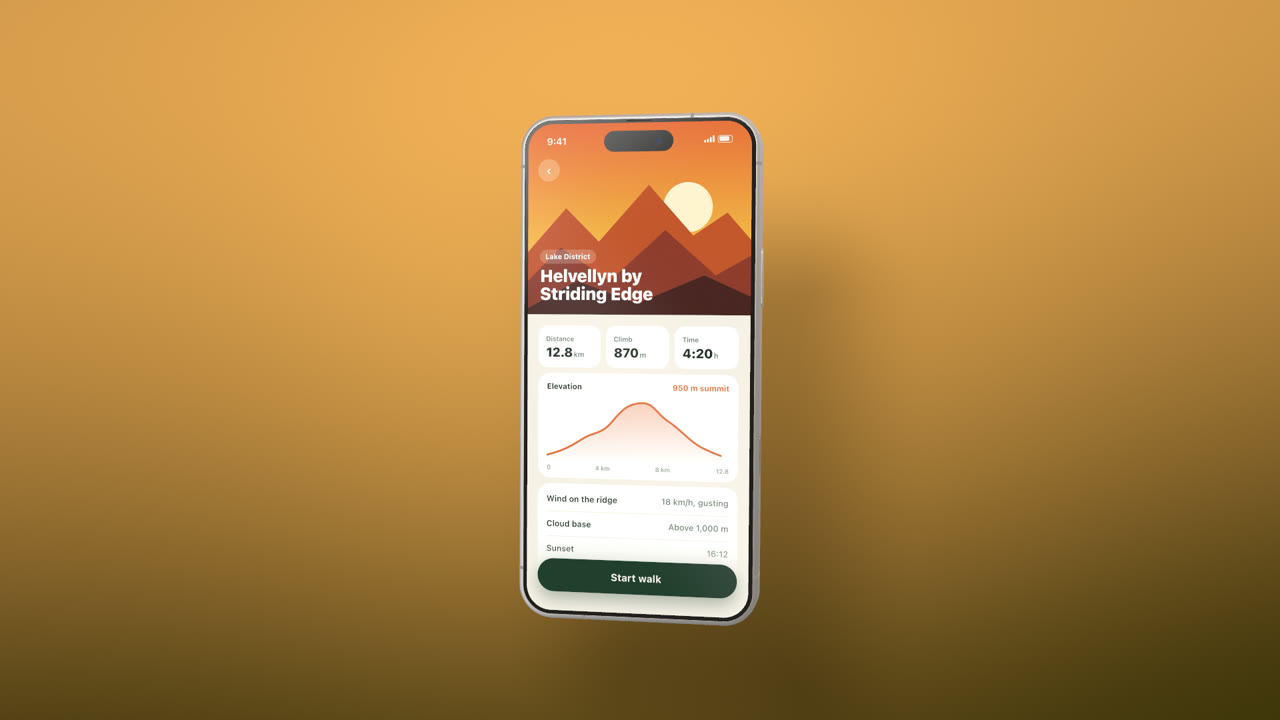
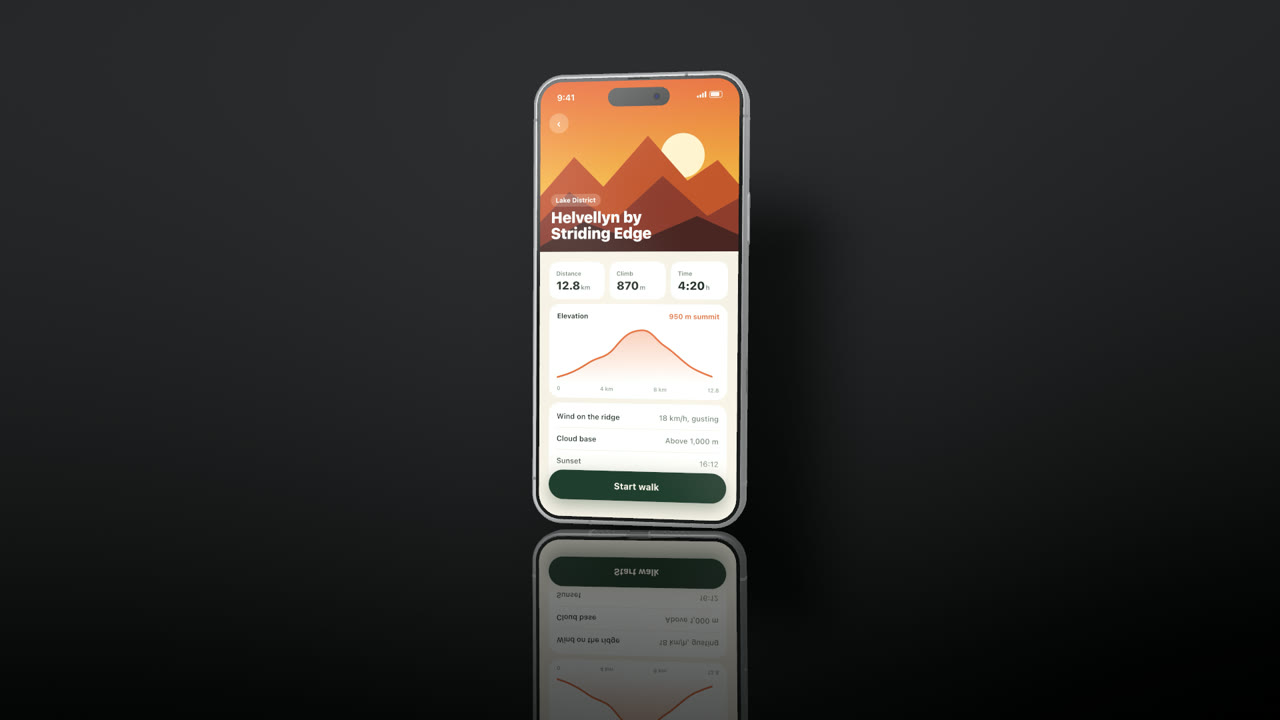
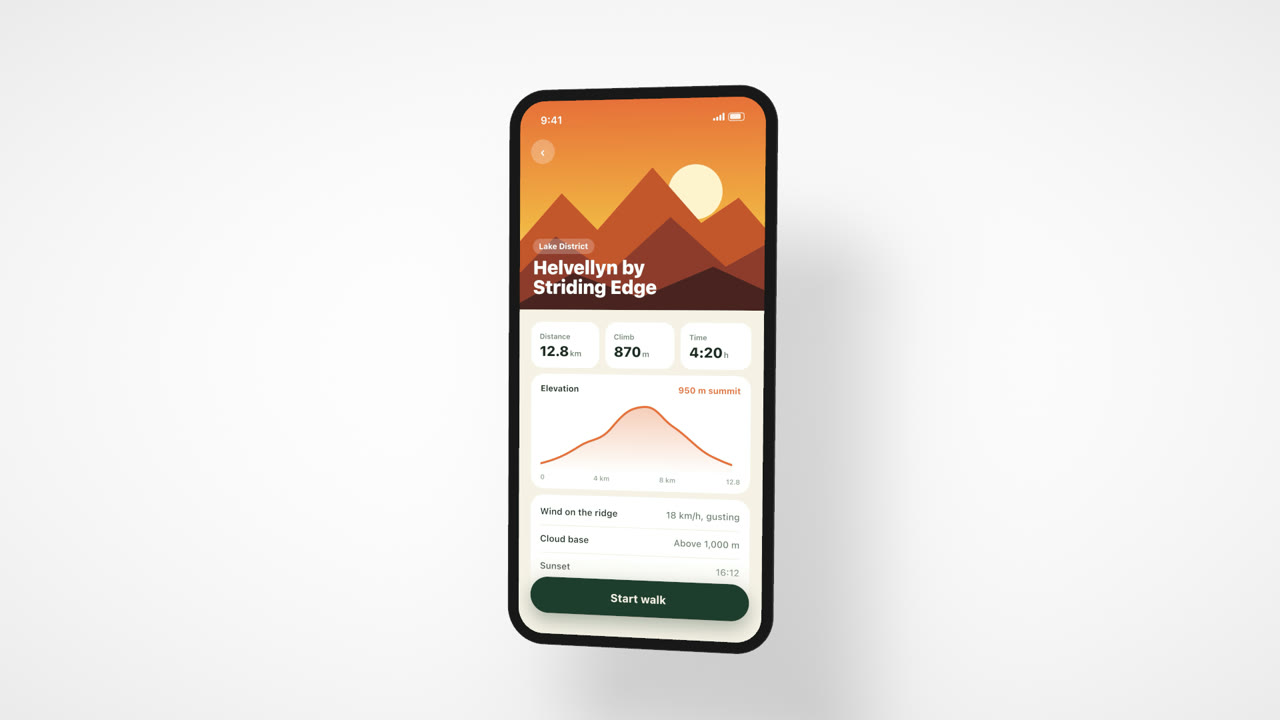
One recording, every shape
Pick the shapes you need and export them together. These four are one recording of a surf app, each composed for its own frame.
Also the two App Store preview sizes, 886×1920 and 1080×1920. Video as HEVC or H.264 up to 4K at 60 fps, with 10-bit if you want it. GIF and PNG stills too.
The rest of the edit
- Templates
- Seven whole-video styles in one click: look, motion, headline, ending. One Undo takes it back.
- Music
- Add a track with fades. It ducks under the recording's own sound.
- Timeline
- Cut, speed up or freeze parts of the recording. Titles, moves and audio stay with their footage.
- The phone
- Pro and Pro Max bodies in silver, black, blue or orange, modelled down to the speaker holes. A tablet for tablet recordings.
A 4K export takes about as long as the video
Frames go from the decoder to the GPU to the encoder without being copied. Rendering a 4K frame takes about 3.4 ms; the rest of the wait is your Mac's video encoder.
| Export | Time | Speed |
|---|---|---|
| 4K, 60 fps, HEVC | 15.5 s | 58 fps |
| 4K, 60 fps, H.264 | 14.5 s | 62 fps |
| 1080p, 60 fps, HEVC | 4.1 s | 219 fps |
Got a recording? That's all it needs.
Download for MacFree to use. Exports carry a small “Made with Orbito” mark until you add a licence: $49 once, for up to three Macs. Buy a licence
macOS 14 or later, on Apple silicon.